Phone photos for your business's social media: 5 simple rules
Five rules you can learn in one morning for taking good phone photos for your business's social media: window light, a clean lens, a tidy background.
A florist sets a bouquet on the counter, snaps a photo under the yellow ceiling light, and looks at the screen. The bouquet came out dark, the roses look brown, and the green of the leaves is gone. She deletes the photo and posts something else, or posts nothing at all.
To take good photos for your business's social media with just your phone, five things are enough: light from a window, a clean lens, a tidy background, getting close to what you're showing, and skipping the filters. You don't need a new camera or a class, and you can learn all of it in one morning.
Window light does more than any equipment
The ceiling light in a shop is usually yellow and comes from above. It casts hard shadows under the product and changes the colors. Light from a window on a bright day is white and soft, and the phone handles it much better.
Take the product to the window, or put a small table next to it. Stand so the light comes from the side, not from behind the product. If the light comes from behind, the phone darkens the front and the photo looks washed out.
Avoid direct sun hitting the product head-on, because it blows out the whites and makes black shadows. A sheer curtain fixes that. If you don't have one, wait for an hour when the sun no longer comes straight in, or tape a sheet of paper towel to the glass.
Don't use the phone's flash. It leaves a bright patch in the middle of the product and an ugly shadow behind it.
Cleaning the lens takes ten seconds
A phone rides in your pocket, in your hand, on the counter. The lens ends up with a film of grease you can't see with the naked eye. The result is a hazy photo with no contrast, and people blame the camera.
Before you shoot, wipe the lens with a clean, dry cloth. The kind you use for eyeglasses works. Don't use your shirt sleeve or rough paper. If the lens has a plastic case or a scratched protective film over it, take it off and see if the photo gets better.
A tidy, plain background
In a phone photo, the eye goes to everything in the frame. A charger, a cardboard box, or a jacket hanging behind the product all compete with it.
Before you tap the button, look at the four edges of the screen and ask what's there that shouldn't be. Remove it, or move the product somewhere else. A clean counter, a plain wall, a wooden board, or a simple cloth is enough.
In a café, that means moving the sugar dispenser and the napkins away before you photograph the cake. In a repair shop, it means putting the part on an empty bench, not on top of the tools. In a factory, a sheet of white cardboard underneath does the same job.
Get close and let the phone focus
If you shoot from five feet away, you get a small product and the rest of the room. If you step in to a foot or a foot and a half, you show what matters: the texture of the bread, the cut of the fabric, the petals.
Move in and tap the screen on the spot you want sharp. The phone focuses there and sets the exposure based on that point. If the photo comes out dark, tap again and drag the little sun icon that appears beside it upward until the image looks bright.
Don't use digital zoom to get closer, because it hurts the quality. Take two steps forward instead.
Hold the phone with both hands and tuck your elbows against your body. A lot of blurry photos come from arms held out in the air.
The same bouquet, done badly and done well
Back to the florist. The first photo: the bouquet on the counter, yellow ceiling light, a cash register and a notepad behind it, taken from five feet away, with a "warm" filter on top to try to rescue the color.
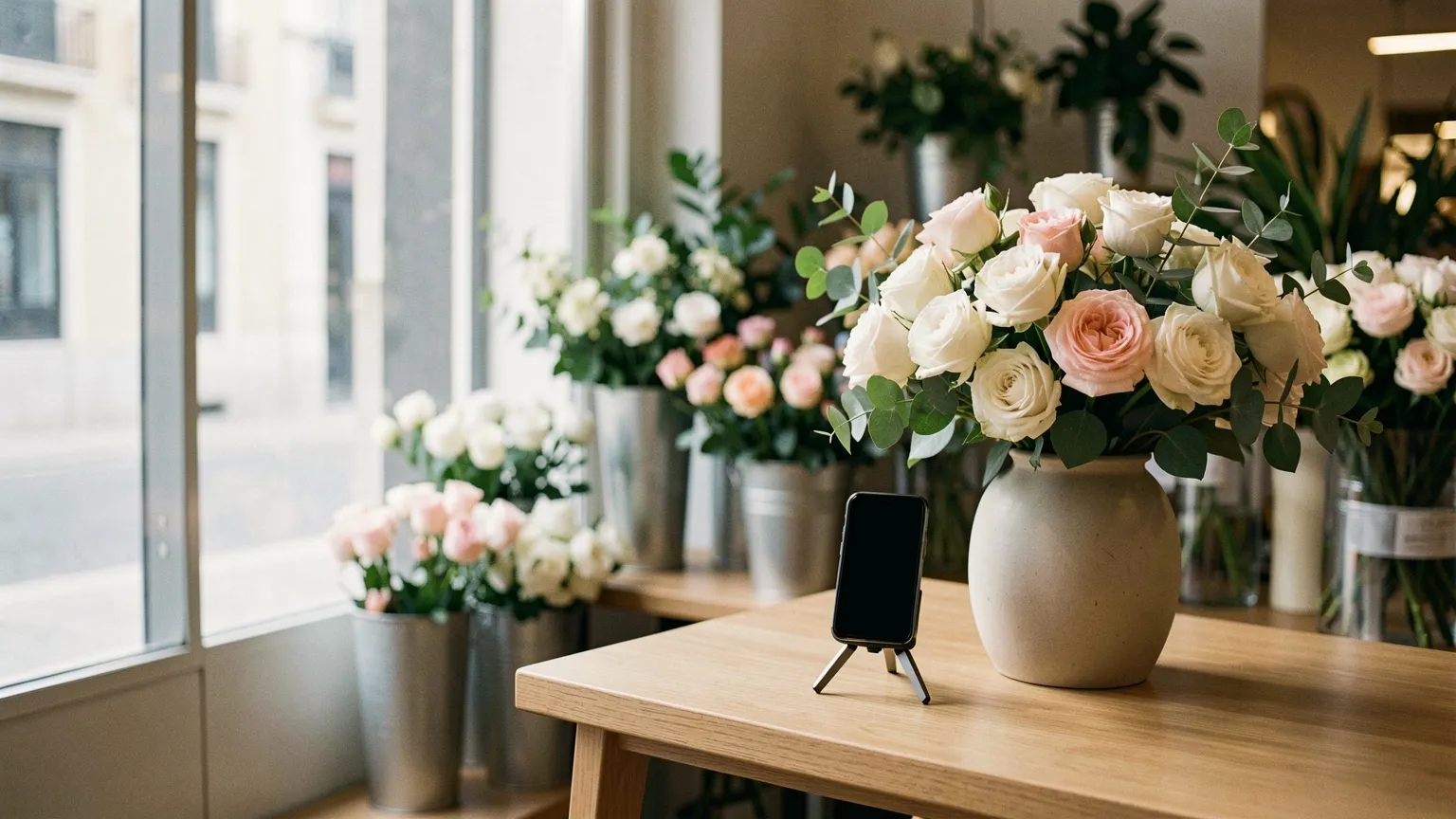
The second photo: the same bouquet, set on a table by the window in the morning. The light comes in from the left. The lens has been wiped. Behind it there's only the white wall. The photo is taken from about a foot and a half away, with a tap on the screen over the middle rose. No filter.
The bouquet is the same, the flowers are the same, the phone is the same. The second photo shows the colors as they are, and the first one shows a counter.
Filters and editing
Filters hide what the customer came to see. A red rose with a filter stops being that red rose, and the person who walks into the shop finds something else. If you want to edit, stick to a little more brightness and straightening the image, which the phone does on its own in the edit screen.
Real photos of your space beat stock photos
A stock photo shows a florist who isn't you, at a workbench that isn't yours. It works for a generic flyer, but on your business's social media the person looking at it recognizes nothing.
The customer who comes to your café wants to see your café, your counter, your cake of the day. A slightly imperfect photo of your front window tells them the place exists and is open today. A stock photo says none of that. If someone later compares the photo with the shop and it doesn't match, you lose their trust.
If you want to plan what to show over the week, see what to post on your business Instagram: a sample week.
Photographing your team without it feeling forced
Few people like posing for the camera. Photograph them doing what they do: wrapping a bouquet, serving a coffee, measuring a part. Ask permission first and tell them where the photo will be posted.
Take several shots in a row and pick the best one. People relax by the third or fourth. If someone doesn't want to appear, photograph just their hands and the work, which tells the story too.
Photo size on social media
For Instagram and Facebook, a vertical photo in portrait format takes up more of the phone screen and usually works well. Square works too. You don't need to crop by hand: the phone takes the photo in the right format if you choose that format in the camera. Avoid very wide photos, because they end up small.
Tripod and extra light
A small tripod is only worth it if you often photograph the same kind of object, like plates or parts on a table, and want the same framing every day. Extra light is only needed when there's no window. Before you buy anything, try one week with the window and a white cloth.
If your business also needs to be found when someone searches nearby, read my business isn't showing on Google Maps: what to check, because good photos help there too.
If you want help getting more customers to come in and come back, GoApexi offers a free diagnostic of your business. You can ask for it at talk to GoApexi.
Frequently asked questions
What is the best light for taking photos inside a shop?
Light from a window, on a bright day with no direct sun, coming in from the side. It's white and soft, and it shows colors as they are. Yellow ceiling light makes photos dark and changes the colors.
Can I use stock photos for social media?
They work for a flyer or a generic ad, but on your business's social media it's better to show your own space and your own products. The customer wants to recognize the place when they arrive. A real photo, even a simple one, builds more trust.
Should I edit photos before posting?
Only a little. You can raise the brightness a bit and straighten the image, but avoid filters. If the product shows up in a color that isn't the true one, the customer notices when they see it in person.
Is it worth buying a tripod or a light?
Only after you've tried the window for a few days. A tripod helps if you always photograph the same kind of object in the same spot. Extra light is only needed if the space has no window at all.
Was this article helpful?
0
Comments
Share your thoughts or ask a question. No account needed.
Loading comments…