My Business Isn't Showing on Google Maps: What to Check
A checklist in order, from what matters most to what matters least, to find out why your business isn't showing on Google Maps and fix it in one afternoon.
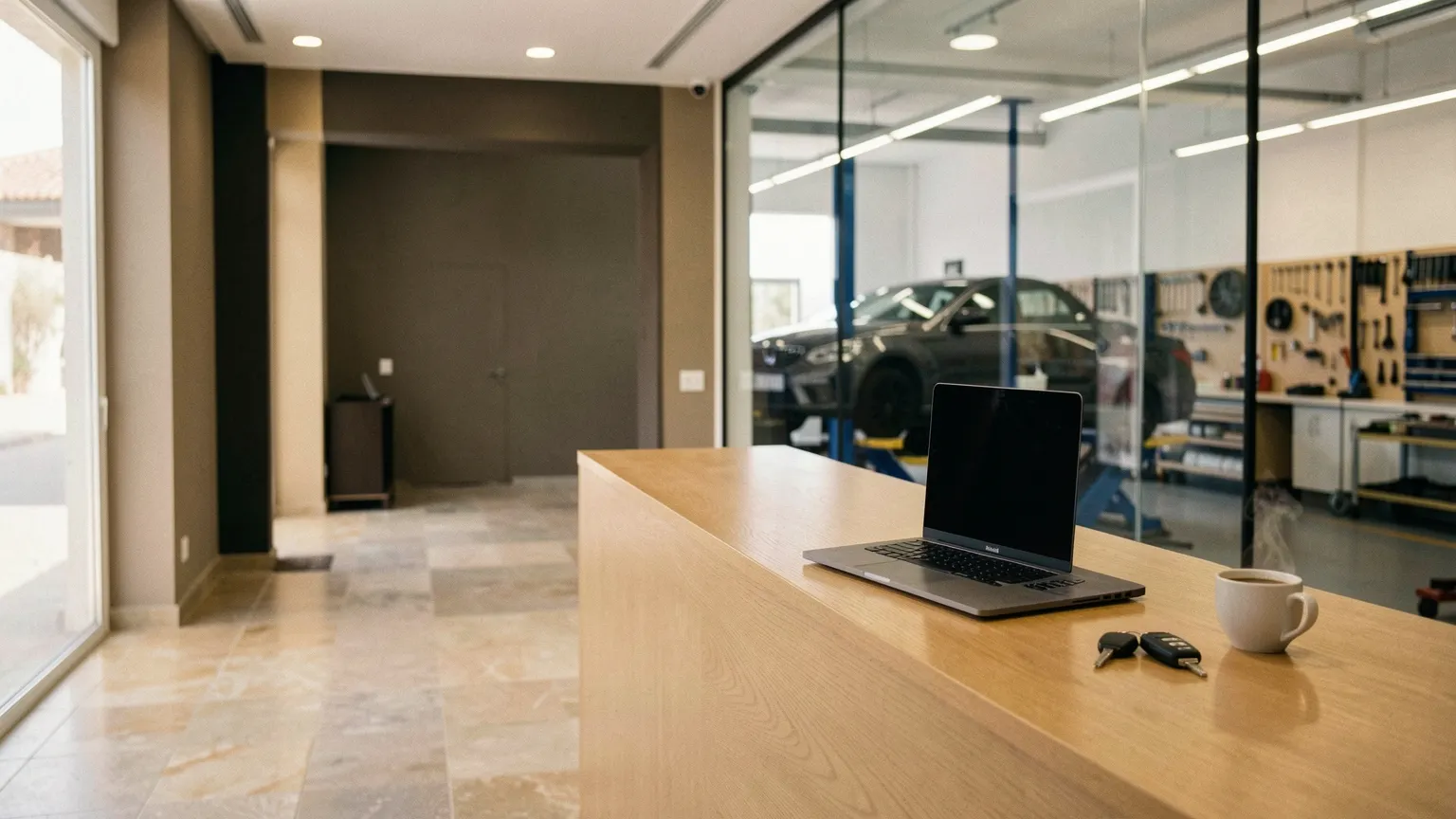
The owner of an auto repair shop picks up his phone at lunchtime and types "auto repair near me." Three competing shops show up on the map. His own shop, two blocks away, is nowhere to be found. He buys a coffee, searches again, and gets the same result.
Your business doesn't show up on Google when someone searches for what you do in your area. Usually, it comes down to one of six reasons: the listing isn't verified, the category is wrong, the address and hours don't match across different sites, real photos are missing, reviews are few or old, or the website loads slowly on a phone. You can check all of this yourself in one afternoon, in the order below.
Start with a verified listing
Everything starts with your Google Business Profile. If it doesn't exist, or it exists but nobody verified it, Google treats it as information it can't trust. The competitors who show up on the map usually have a listing that the owner created and confirmed.
Go to business.google.com with the account you use for the business and search for the company name. If the listing already exists and belongs to someone else (a former partner, an employee, whoever built the website years ago), ask for access or request ownership from the listing page itself. If it doesn't exist, create it.
Verification is usually done with a code, sent by text, phone call, email or, in some cases, by postcard to the business address. If you chose the postcard, wait for it and don't change the address in the meantime, because that can force you to start over. If Google asks for a video of the storefront and the inside, film it slowly, with the door, the sign and the counter in view.
A suspended listing also disappears from the map. If you got a suspension notice, the help page at support.google.com explains how to request reinstatement.
Pick the right category
The main category is what Google reads first to decide when to show your listing. Someone searching "auto repair" sees listings with auto repair categories. If yours is set to a generic "Auto parts store" or "Automotive services," it shows up less for that search.
Choose the category that describes what you do most, not the one that sounds nicest. Then add secondary categories for the rest: if you also do inspections or tires, put them there and not as the main category.
Fill in the services list and the description too, using the words a customer would use on the phone. "Oil change," "brakes" and "diagnostics" say more than "solutions for your vehicle."
Same address, phone and hours everywhere
Google compares what your listing says with what your website, Facebook page and online directories say. If one says "12 Boavista Street" and another says "12 Boavista St., Unit A," or if the old phone number is still floating around, trust goes down.
Write down the exact spelling of the name, the address, the ZIP code, the phone number and the hours. Then check every place where the business appears and fix whatever is different. It's tedious work, but it matters, because mismatched details are often why a listing shows up halfway down the page instead of at the top.
Hours deserve their own attention. If you close for lunch or on Saturdays, say so. If you will be closed on a holiday, mark it on the listing ahead of time. A listing with the wrong hours sends customers to a closed door, and some of them leave bad reviews.
Real photos of the business
Stock photos don't help. Your own photos do: the storefront seen from the street, the entrance, the inside, the team at work, the products or the finished jobs. Someone searching on a phone wants to see that the place is real and looks trustworthy.
Take the photos in daylight, with the phone held sideways, and skip the filters. A dozen is enough to start. Add a few new ones from time to time, because a listing with recent photos shows the business is alive.
If customers post photos too, even better, but don't count on that to begin with. The storefront photo in particular helps people who arrive by car and can't find the door.
Recent reviews
Google looks at the number of reviews, the rating and how long ago the last one was left. A listing with four reviews from three years ago can lose to one with reviews from last week, even if the rating is about the same.
Ask for a review from people who have just left satisfied, right then: when you hand back the car, when you close out the check, when the appointment ends. Text them the direct link to leave a review, so the customer doesn't have to search for your listing. Don't offer discounts in exchange for reviews, because Google prohibits it and can remove the reviews.
Reply to all of them, the good and the bad. A calm reply with facts to a complaint says more than five compliments. If you need help with that, see how to respond to a negative Google review.
A website that loads fast on a phone
The website matters less than the listing, but it still matters. When a site loads fast, shows the same name, address and phone number as the listing, and describes the services clearly, Google has more reason to show the business.
Open your website on your phone with mobile data on and wi-fi off. If it's slow to load, if the text comes up tiny, or if the phone number isn't a button you can tap to call, start there. Put the address and phone number at the bottom of every page, written exactly as on the listing.
If the business serves several towns, a separate page for each one, with real text about what you do there, helps more than a list of town names on one page.
How long it takes to see results
After you verify the listing, Google usually shows it within a few days, but the timing varies. Corrections to category, address and hours can take a few days to appear. Reviews and photos change the ranking slowly, over weeks, and nobody can promise you a spot at the top.
Search from time to time the way a customer would, on a phone that isn't in your shop, because Google shows what is close to the person searching first. If your business doesn't show up when you're two miles away, it may show up when you're a couple of blocks away.
If customers who find you call and nobody answers, the listing stops doing its job. See what to do about missed calls, hour by hour.
If you want help finding out why your business isn't showing on the map, GoApexi can take a look at it. You can request it on the contact page.
Frequently asked questions
Why do my competitors show up and my business doesn't?
Your competitors usually have a verified listing, the right category, recent reviews and the same details everywhere. If yours falls short on one of these, Google tends to show the more complete listing that is closer to the person searching. Go through the list in this article in order and fix what's missing.
Does my Google listing have to be verified to show up?
Yes, in practice it does. An unverified listing barely shows up in local searches and can't be managed by the owner. Verification can be done by code, phone call, email, video or postcard, depending on what Google offers for your business.
Does having a website help me show up on the map?
It helps, but less than the listing. The website confirms the name, address, phone number and services to Google, and lets the customer get to know the business. If the website loads slowly on a phone, it can hurt more than it helps.
How long does it take to show up after I fix the listing?
It depends on what you fixed. Verification and changes to the address or hours usually show up within a few days. Photos and reviews work more slowly, over weeks, and no fix guarantees a spot at the top of the map.
Was this article helpful?
0
Comments
Share your thoughts or ask a question. No account needed.
Loading comments…